
To use your R50 with our Exposio app, you need to change a few settings in the camera.
Open the menu on your camera:
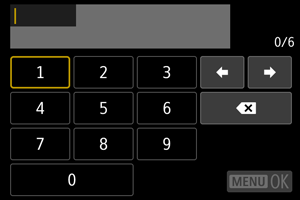
1) On first launch, the camera will ask you to enter a password. Choose a password and re-enter it for confirmation.
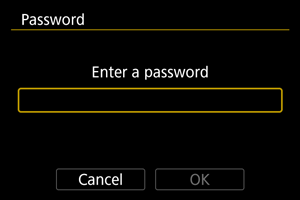
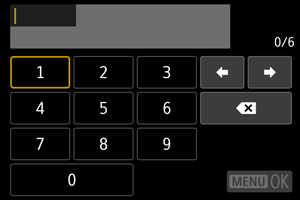
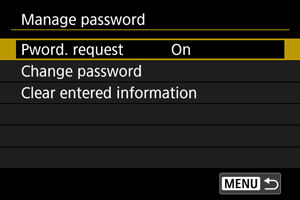
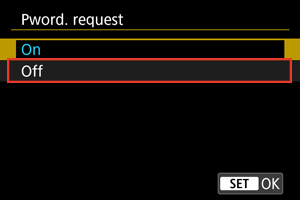
2) For simplicity, password should be deactivated. To do so, follow these steps.
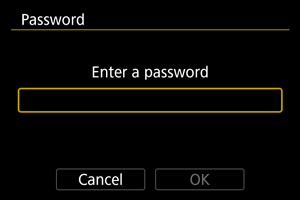
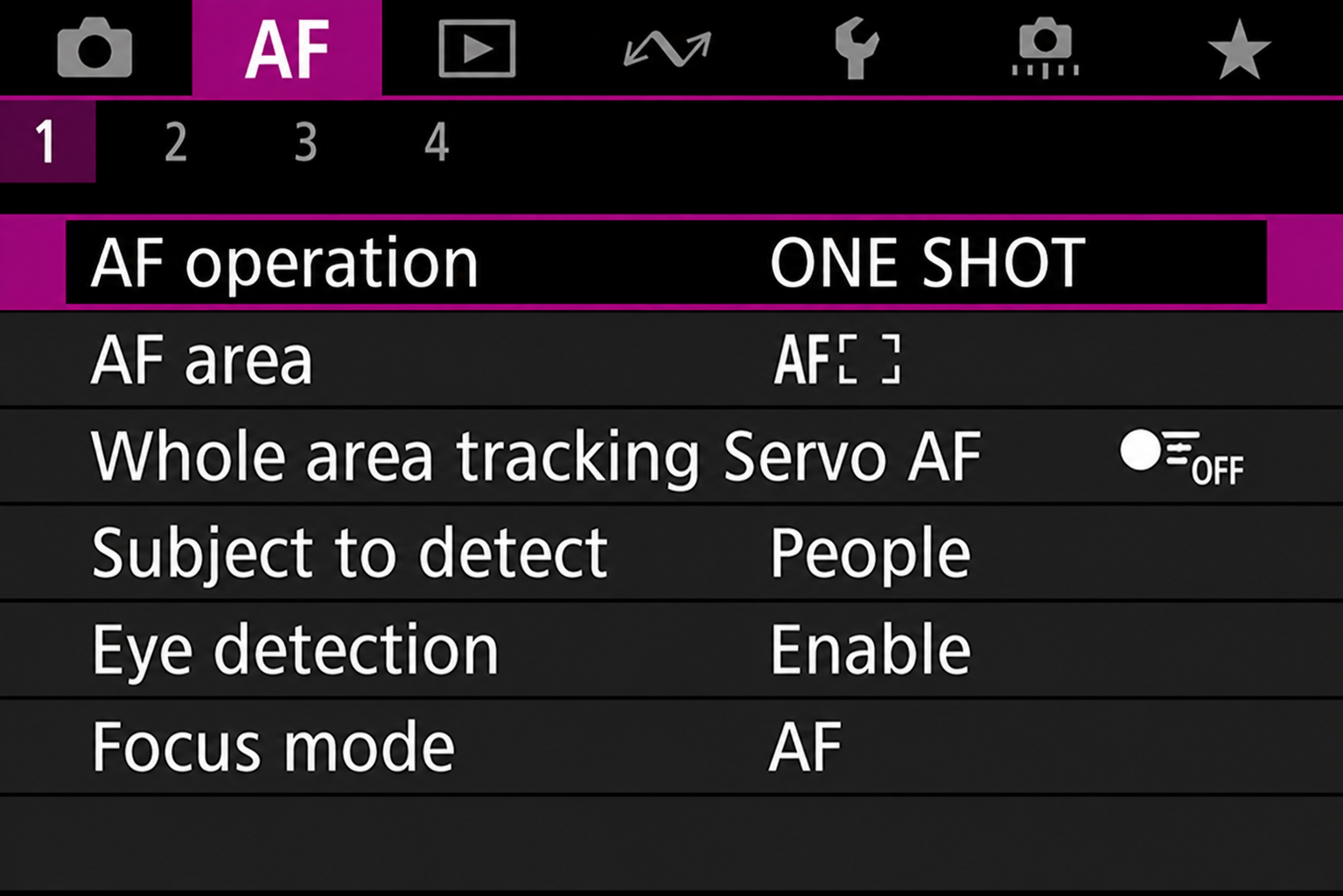
3) You then need to set autofocus parameters by going into the AF menu.
- Then set AF operation to ONE SHOT.
- AF area should be set to the whole area (full frame), as shown in the image below.
- Make sure Servo AF is off.
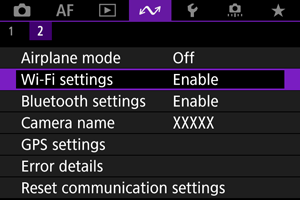
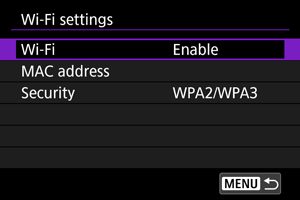
4) In the Wireless setting, select Wi-Fi settings and enable it
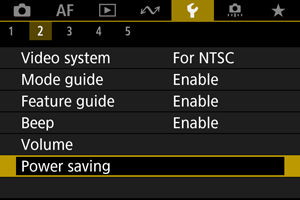
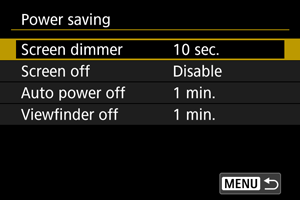
5) Select the Power saving option and select Disable for all options:
You are now ready to connect your cellphone to the camera: SEE HOW